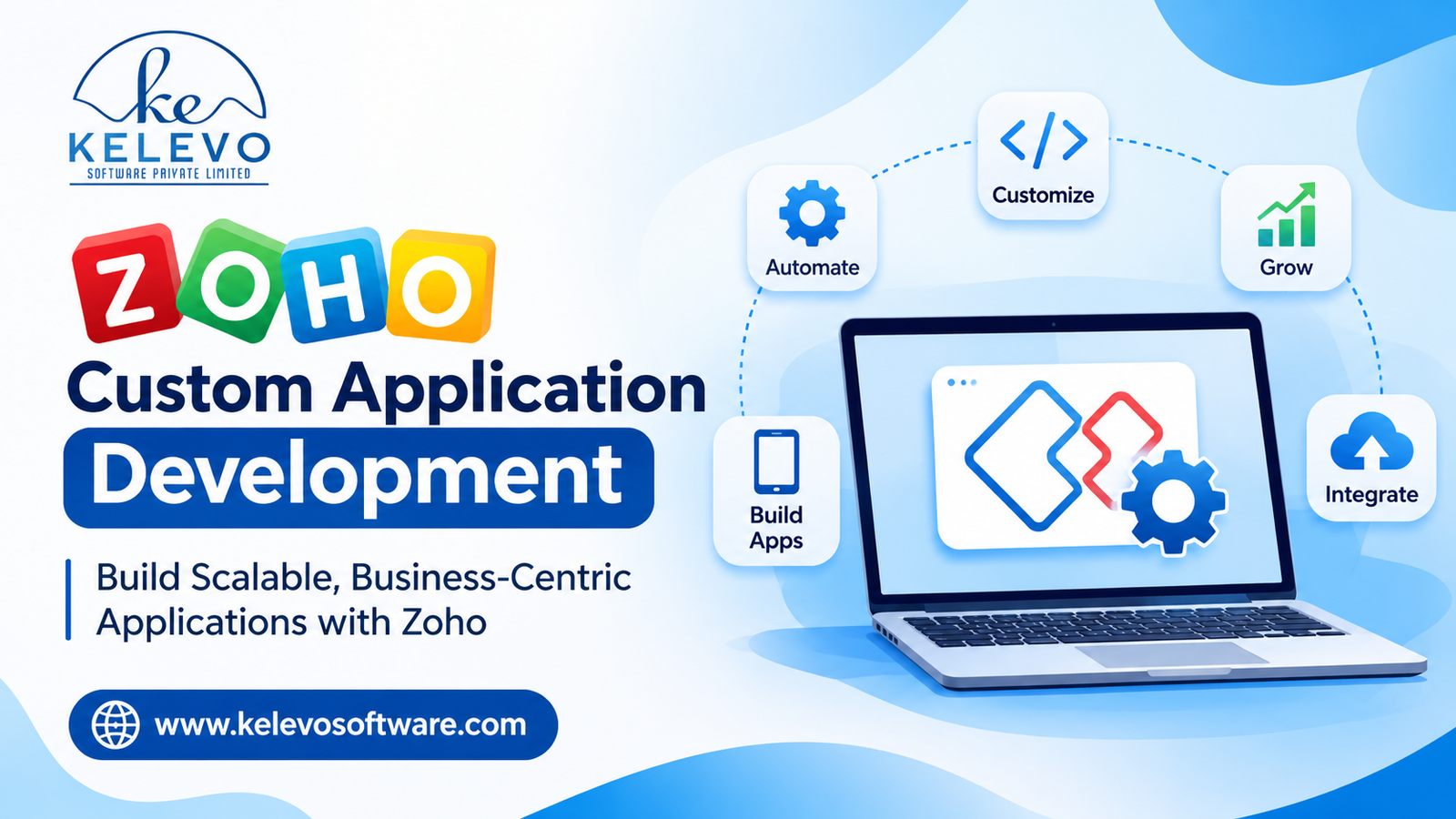
Zoho custom application development means designing and building bespoke business apps on the Zoho platform, usually with Zoho Creator or Zoho Catalyst, so software matches how your organisation actually works. It is the right choice when standard Zoho apps cover most needs but one or two critical processes still run on spreadsheets, emails or workarounds.
Every growing business hits this wall. The CRM is fine, accounting is fine, but approvals, vendor onboarding, field visits or compliance tracking do not fit any ready-made tool.
This guide explains when custom development makes sense, how it works on Zoho, what to plan for, and how to choose a partner.
Quick Answer: What Is Zoho Custom Application Development?
Zoho Custom Application Development is the process of building tailored business applications on Zoho’s platforms. Zoho Creator, a low-code platform, suits forms, workflows, approvals and portals. Zoho Catalyst, a pro-code serverless platform, suits complex logic and scalable backends. Developers connect these apps to Zoho CRM, Books, Inventory and other systems so data flows automatically.
What Does Zoho Custom Application Development Include?
It covers more than building screens. A complete project typically includes:
- Requirement analysis: Mapping the process, users, data and approvals.
- Application design: Forms, data models, reports, dashboards and user roles.
- Workflow and logic: Automation, validations, notifications and approval chains, often written in Deluge, Zoho’s scripting language.
- Integration: Connecting the app with Zoho applications and third-party systems.
- Testing and deployment: Validating real scenarios before go-live.
- Training and support: Helping users adopt the app and keeping it healthy afterwards.
Zoho Creator vs Zoho Catalyst: Which Platform Fits?
Both platforms support custom apps, but they suit different needs.
| Factor | Zoho Creator | Zoho Catalyst |
| Approach | Low-code, visual builders plus Deluge scripting | Pro-code, serverless development |
| Best for | Internal tools, workflows, approvals, portals, data collection | Complex backends, custom products, scalable multi-user platforms |
| Skills needed | Business analysts and low-code developers | Software developers (for example Java or Node.js) |
| Typical use | Procurement app, service request tracker | Multi-tenant platform, API-heavy solution |
| Speed to first version | Generally faster | Depends on scope |
A practical rule: start with Creator when the need is process automation, and consider Catalyst when you are building a product-grade platform with specialised logic or high scale. Confirm current capabilities and plan limits on Zoho’s official website before deciding.
Key Benefits of Tailored Zoho Applications
Zoho says Creator is trusted by more than 22,000 businesses and positions it as a faster route to custom software than traditional coding. Vendor claims aside, the practical benefits are straightforward:
- Process fit: The app mirrors your workflow instead of forcing you to change it.
- Single source of truth: Data lives in one governed system rather than scattered files.
- Faster delivery: Visual builders and reusable components shorten build time compared with full custom coding.
- Native Zoho integration: Apps can share data with CRM, Books, Inventory, Desk, Analytics and more.
- Mobile access: Creator apps can be used on web and mobile, which helps field and remote teams.
- Controlled access: Role-based permissions limit who can view or change data.
- Room to grow: Apps can be extended as processes evolve.
Outcomes depend on requirement quality, design and adoption. Custom software does not fix an unclear process; it digitises whatever process you give it.
Practical Use Cases
The examples below are illustrative scenarios.
- Vendor and procurement portal: Purchase requests, multi-level approvals, budget checks and vendor onboarding in one flow.
- Field service app: Technicians receive jobs, record visit details and upload photos, while managers track status in real time.
- Document and approval management: Contracts, policies and sign-offs routed through defined review stages with an audit trail.
- Budgeting and approvals: Departmental budgets tracked against spending with automated escalation.
- Industry-specific operations: Manufacturing production tracking, scrap trading workflows, or education management.
Kelevo Software has published work in this space. Its case study for MIT World Peace University describes governed procurement and budget control built on Zoho Creator, Inventory and Books. Kelevo also builds its own education products, Guruttva and Gurutvam ERP, on Zoho Catalyst under its Vidyanta division.
The Zoho Custom Application Development Process
- Discovery workshop. Document the current process, pain points, users and reporting needs.
- Solution design. Define data structure, screens, roles, integrations and success criteria.
- Prototype and feedback. Build a first version quickly and get user input early.
- Development and integration. Configure forms and workflows, write Deluge or code where needed, and connect other systems.
- Testing. Run real scenarios, including edge cases and permission checks.
- Training and rollout. Train each user group and go live, ideally in phases.
- Support and optimisation. Monitor usage, fix issues and refine the app.
What Affects the Cost of Custom Zoho Apps?
There is no standard price, so be cautious of fixed quotes before discovery. The main cost drivers are:
- Number of modules, forms, reports and user roles.
- Complexity of business logic and approvals.
- Integrations with other Zoho or third-party systems.
- Data migration volume and quality.
- Choice of platform and licensing.
- Training, support and maintenance needs.
Ask for an itemised scope that separates build, licensing, migration, training and support.
Expert Tips for a Successful Build
- Start with one process. Launch a focused first version rather than an all-in-one system.
- Define the data model first. Poorly planned data structures cause the costliest rework.
- Involve end users early. Adoption is the real test of success.
- Reuse Zoho apps before building. Do not rebuild what Zoho CRM, Books or Desk already do well.
- Plan permissions and audit needs. Sensitive workflows need clear access rules.
- Document the app. Maintainable apps survive staff changes.
- Budget for support. Processes change, and apps should change with them.
How to Choose a Zoho Custom Application Development Partner
Look for:
- Platform depth: Proven work on both Creator and Catalyst.
- Process-first thinking: A partner who questions your workflow before writing logic.
- Integration capability: Experience connecting Zoho with ERP, accounting and other systems.
- Transparent scoping: Clear deliverables and itemised estimates.
- Post-launch support: Training, maintenance and enhancement plans.
- Verifiable credentials: Zoho partner status, published case studies and certifications.
Kelevo Software Pvt. Ltd. is a Zoho Premium Partner in India, with 300+ Zoho projects delivered across India, the UAE, the USA and the UK, according to its website. It was named Emerging Partner of the Year at Zoho Inspire 2026 and works with 50+ Zoho specialists from offices in Noida, Pune, Mumbai and Ahmedabad. Its services cover consulting, implementation, custom applications on Zoho Creator and Catalyst, integrations, managed services and training.
Frequently Asked Questions
What is Zoho custom application development?
It is the design and building of tailored business apps on Zoho platforms such as Creator and Catalyst. These apps automate specific workflows, collect and manage data, and integrate with Zoho CRM, Books and other tools, giving you software that fits your processes.
Is Zoho Creator suitable for enterprise applications?
It can be, depending on your requirements. Zoho Creator supports workflows, integrations, role-based access and multi-platform deployment. For very complex or high-scale needs, Zoho Catalyst or a hybrid approach may fit better. A discovery phase helps confirm the right platform.
How long does it take to build a custom Zoho app?
It depends on scope. A focused workflow app can be delivered faster than a multi-module system with integrations. A phased plan, starting with a minimum viable version, usually gives the most realistic timeline and quicker user feedback.
Can custom Zoho apps integrate with other systems?
Yes. Custom apps can connect with other Zoho applications and with third-party systems through APIs, connectors and integration tools. Exact options depend on the systems involved, so integration requirements should be defined early in the project.
Do I need coding skills to build Zoho apps?
Not always. Zoho Creator is low-code, so many apps can be built with visual builders. Advanced logic often uses Deluge scripting, and Catalyst requires conventional programming. Many businesses use a partner for design, logic and integration.
Conclusion: Build Software That Fits Your Business
Zoho custom application development gives growing businesses a practical way to replace spreadsheets, manual approvals and disconnected tools with apps designed around real workflows. Success depends on clear requirements, the right platform, thoughtful integration and user adoption.
If one process is slowing your team down, it may be the right place to start.
Ready to Build Your Custom Zoho App? Contact Us Today
Talk to the Kelevo Software team about your requirements and get a clear view of scope, platform and next steps.
- Call now: +91 88006 11243
- Email: info@kelevosoftware.com
- Visit us: kelevosoftware.com
- Book a consultation: Contact Kelevo Software